
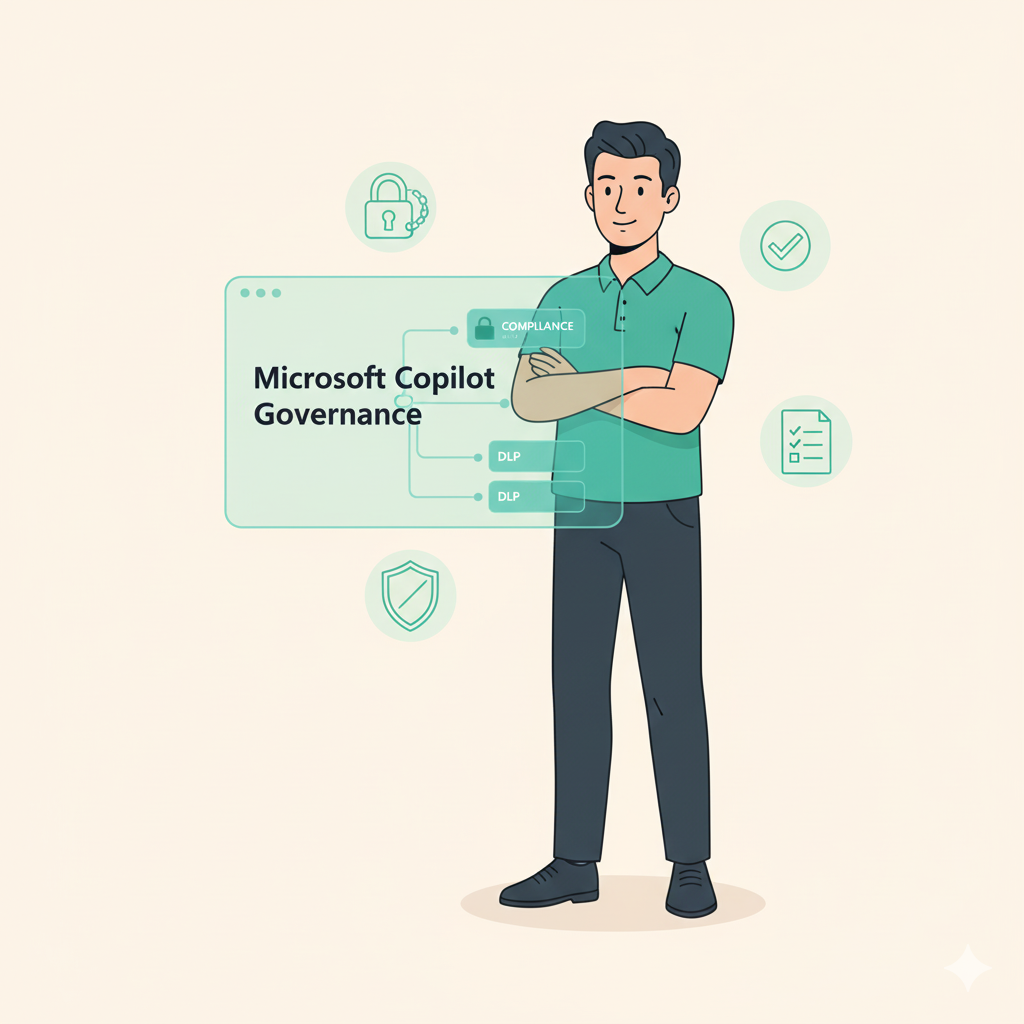
Copilot is powerful, but without proper governance, it can expose sensitive data or behave unpredictably. And that is not even speaking of the power of Microsoft Copilot Studio ánd it’s ability to create shadow IT in your company.
Many organizations enable licenses but never adjust permissions, DLP, or access policies, leaving IT teams to react when something goes wrong.
This Copilot Admin training helps your admins and compliance leads take control, securing Copilot usage and ensuring your organization stays compliant as AI evolves. It build upon the Microsoft Guidelines for IT Admins.
This training is for IT administrators, compliance officers, and Microsoft 365 security leads who need to understand how Copilot handles data behind the scenes.
If your team manages Microsoft tenants, permissions, and compliance, or plans to scale Copilot to the wider organization, this is your essential foundation.
Just getting started? Also check out our checklist.
Ideal Candidates
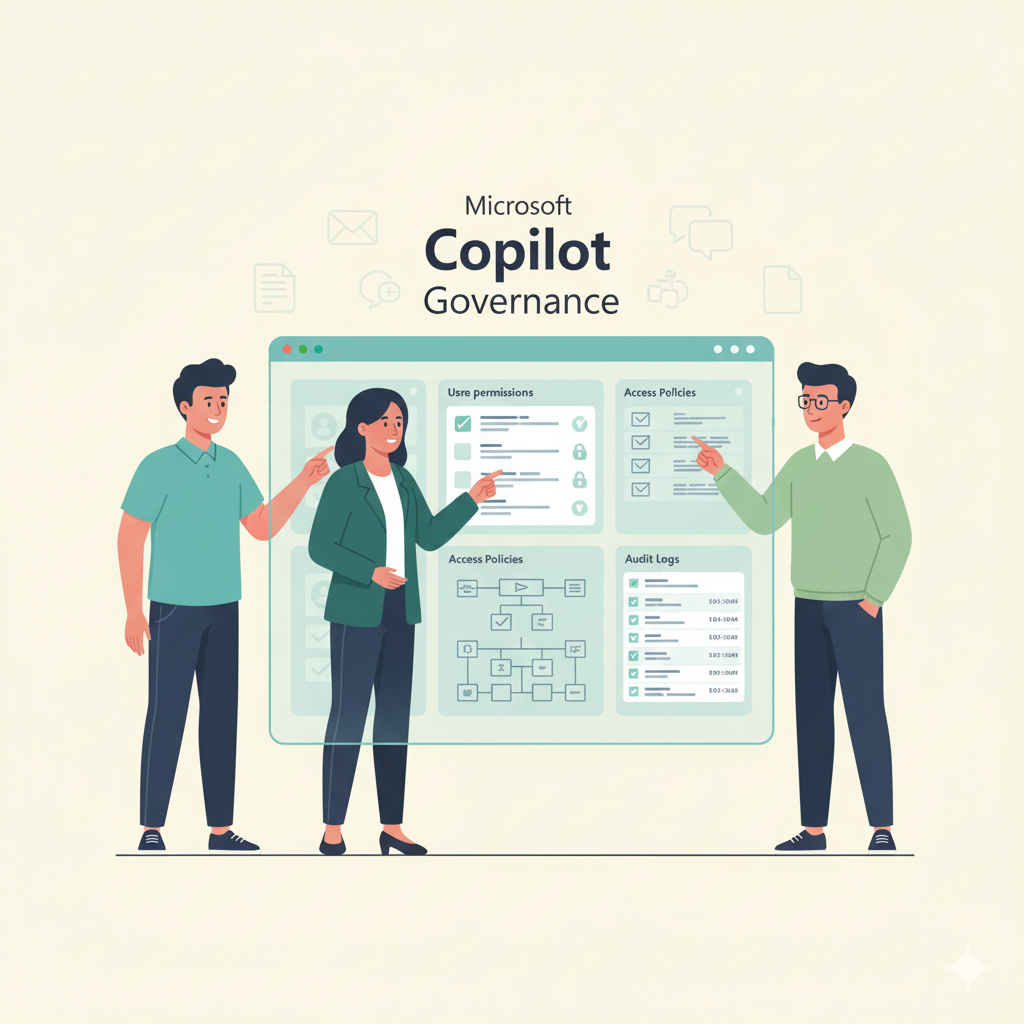
Review your current Copilot settings, permissions, and risks.
Guided walk-through of tenant and DLP configuration.
Run test cases and confirm security boundaries.
Generate compliance-ready admin reports.
Optional ongoing review and update sessions.

A practical, step-by-step training that gives your admins clarity, control, and confidence in managing Copilot’s data access and compliance impact.
We cover both the technical and policy sides of responsible AI enablement inside Microsoft 365.
At a glance:
Duration: 2-4 hours
Team size: 2–6 participants
Format: Live online or on-site
Optional: Guided Copilot Setup
The Copilot Admin Training course is an investment in the future. By setting up for success, IT teams do not only save their own time in the future but also ensure that employees will have more success with Microsoft Copilot.
The Result?


We use cookies to improve your experience on our site. By using our site, you consent to cookies.
Websites store cookies to enhance functionality and personalise your experience. You can manage your preferences, but blocking some cookies may impact site performance and services.
Essential cookies enable basic functions and are necessary for the proper function of the website.
These cookies are needed for adding comments on this website.
Statistics cookies collect information anonymously. This information helps us understand how visitors use our website.
Google Analytics is a powerful tool that tracks and analyzes website traffic for informed marketing decisions.
Service URL: policies.google.com (opens in a new window)
SourceBuster is used by WooCommerce for order attribution based on user source.
You can find more information in our Cookie Policy and Privacy Policy.