
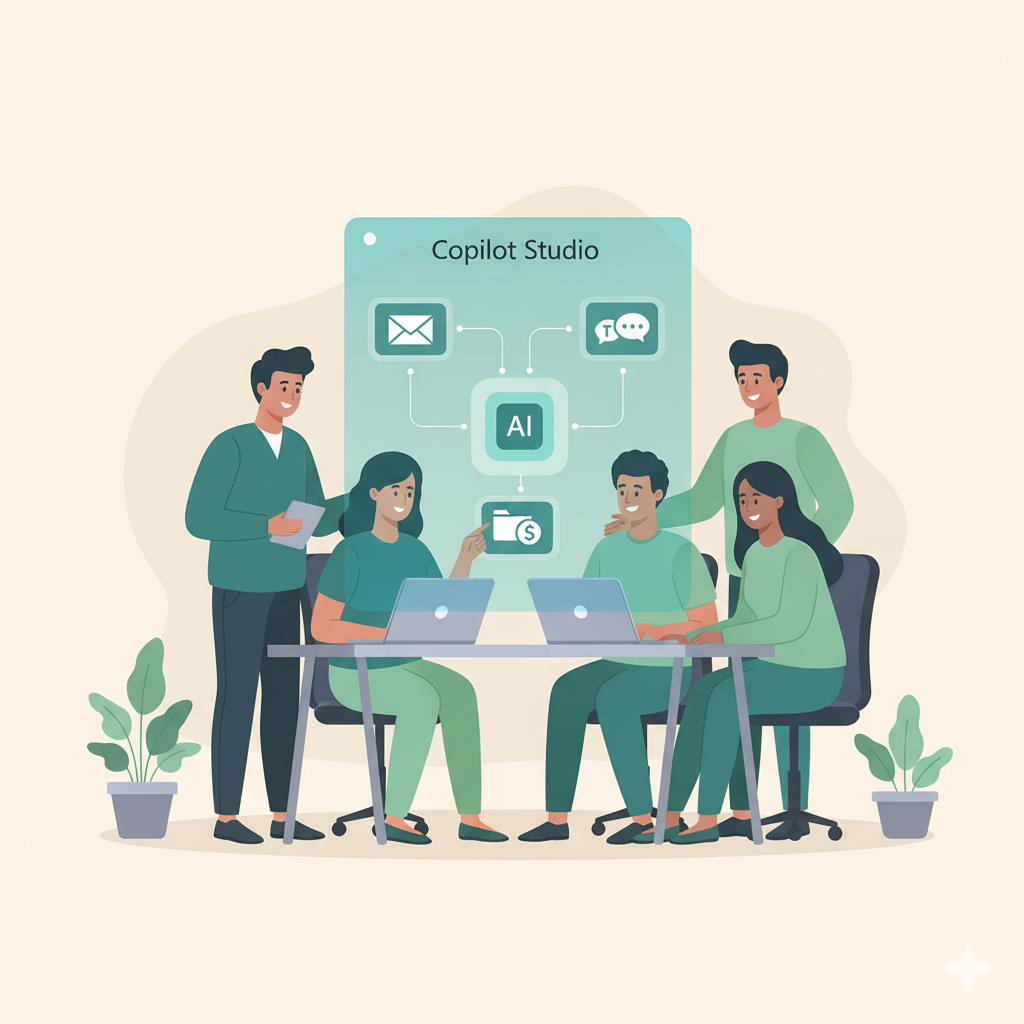
Microsoft Copilot Studio can help you turn Microsoft 365 into a really smart productivity hub.
But most companies barely touch its potential, or don’t know where to start. This is where a Copilot Studio training can help you set things up.
We teach your team how to design, build, and govern custom Copilot Agents that automate real business workflows safely, inside your Microsoft environment.
This training is for teams ready to move from using AI to building it. With Copilot Agents you scale from single chat based interactions to automated experiences.
If your employees already use Microsoft Copilot or Power Automate but want more control, this hands-on program shows them how to create practical, secure Copilot Agents that fit your workflows, not someone else’s.
Be aware that Microsoft Copilot Studio requires a license.
Ideal Candidates

We identify your team’s current skill level and use case.
We help configure Copilot Studio and permissions.
Build agents step by step with guided exercises.
Deploy your first working agent securely.
Optional follow-up to optimize and expand.

We blend technical training with real business scenarios so your team doesn’t just learn how to build Copilot Agents, they leave with one running.
By the end, participants know how to design, connect, test, and deploy secure agents within your Microsoft 365 tenant.
At a glance:
Duration: 1 half-day to 1 day
Team size: 2–8 participants
Format: Live online or on-site
Follow-up: Optional office-hours package (3 months)
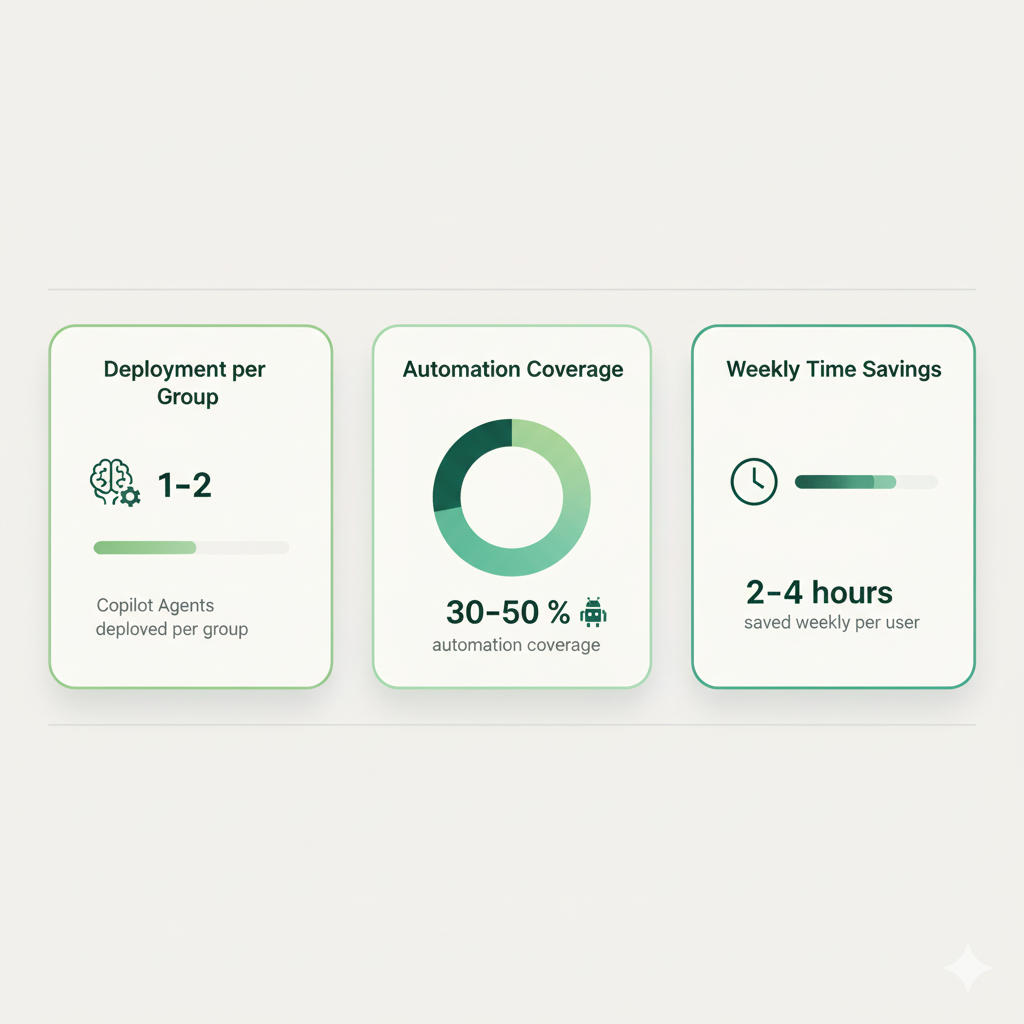
What practical results can you expect from a Copilot Studio Training?
It is not just about the training itself, after this training participants can grow their impact by building new agents.
The Result?
We use cookies to improve your experience on our site. By using our site, you consent to cookies.
Websites store cookies to enhance functionality and personalise your experience. You can manage your preferences, but blocking some cookies may impact site performance and services.
Essential cookies enable basic functions and are necessary for the proper function of the website.
These cookies are needed for adding comments on this website.
Statistics cookies collect information anonymously. This information helps us understand how visitors use our website.
Google Analytics is a powerful tool that tracks and analyzes website traffic for informed marketing decisions.
Service URL: policies.google.com (opens in a new window)
SourceBuster is used by WooCommerce for order attribution based on user source.
You can find more information in our Cookie Policy and Privacy Policy.